WordPress Caching Explained: Page Cache, Browser Cache and CDN
Why WordPress Needs Caching
By default, every WordPress page request runs PHP, queries the database, and builds HTML from scratch. For a busy site this is slow and expensive. Caching pre-builds that output so it can be served instantly.
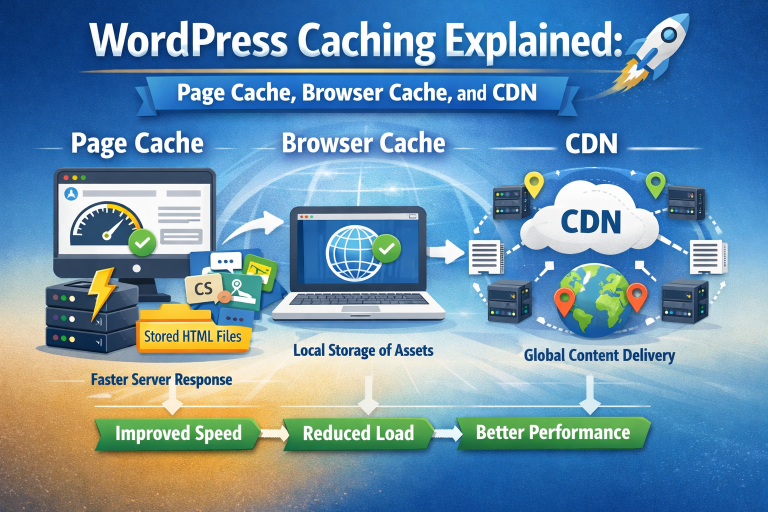
Page Cache
A full-page cache stores the complete HTML of each page. Subsequent visitors receive the static file – bypassing PHP and MySQL entirely. This reduces TTFB from 500 ms or more to under 50 ms for most hosts.
Browser Cache
Browser caching tells visitors browsers to store static assets (CSS, JS, images) locally. On repeat visits these assets load from disk instead of the network – near-instant load times for returning users.
CDN
A Content Delivery Network distributes your static assets across servers worldwide. Visitors download from the server geographically closest to them, reducing latency for global audiences.
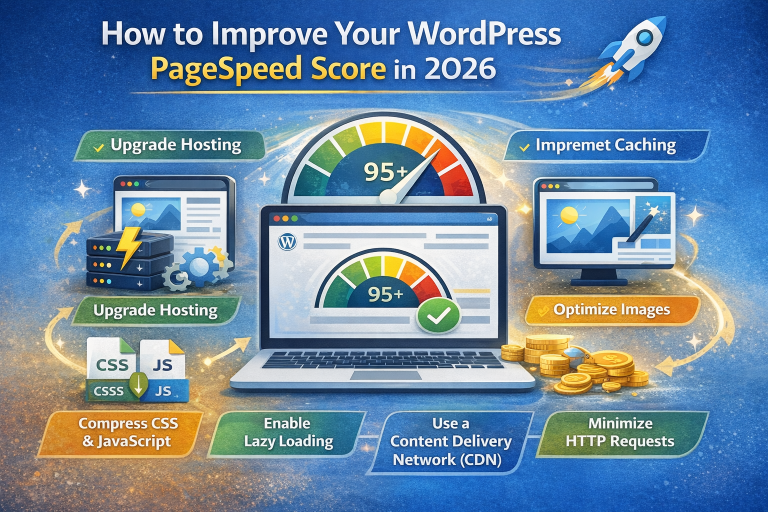
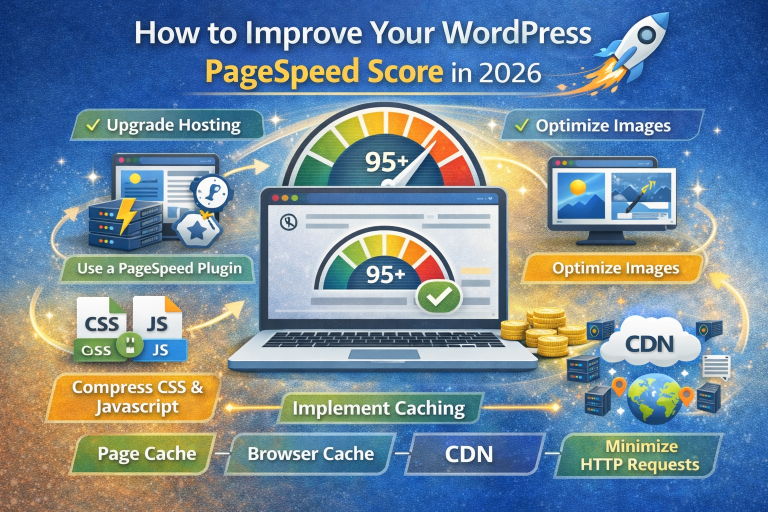
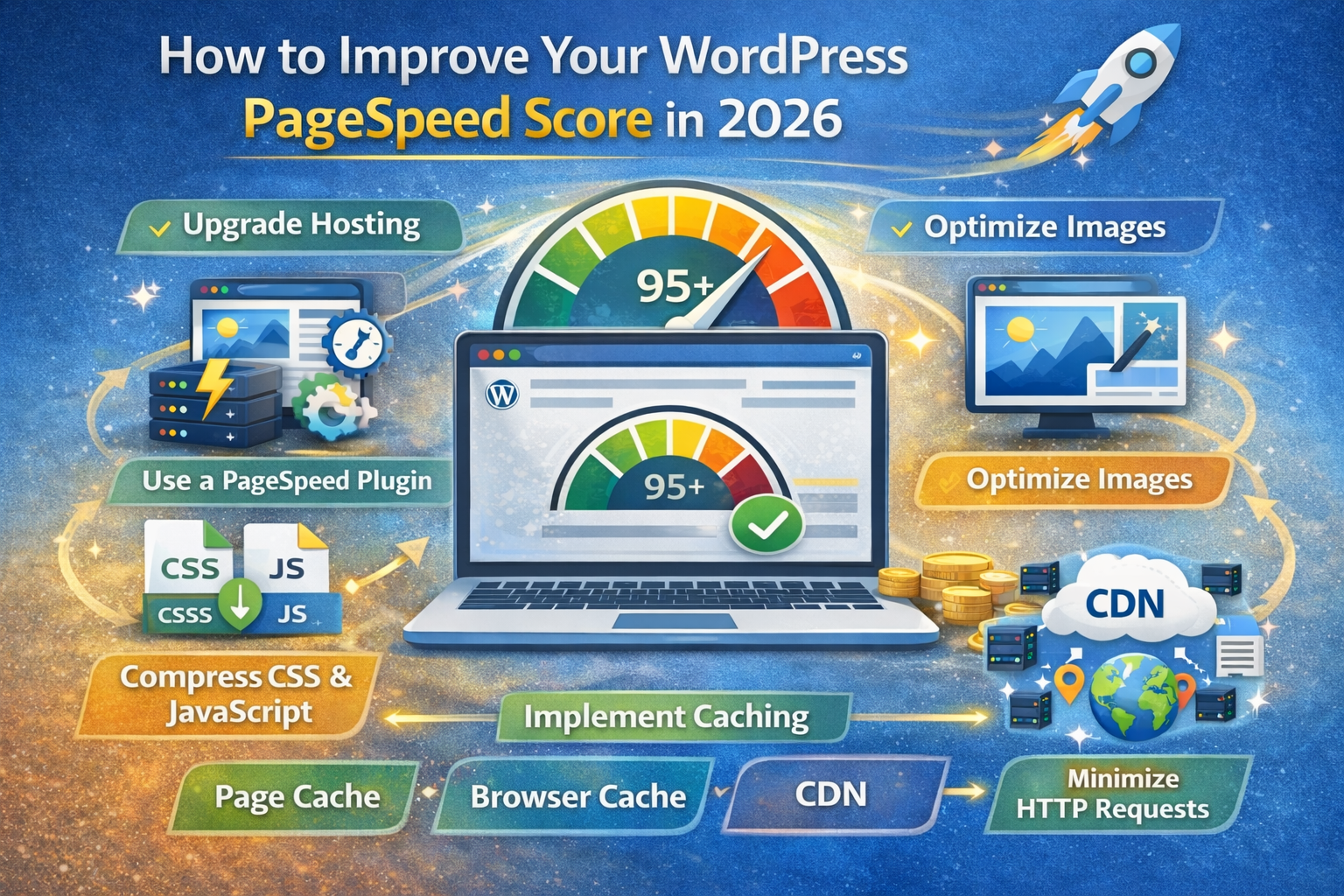
PageSpeedBooster configures page caching, browser caching headers, and CDN-friendly rules automatically – no separate plugin needed.